
Downloads
Free, open plugins powered by Audial's hosted engine
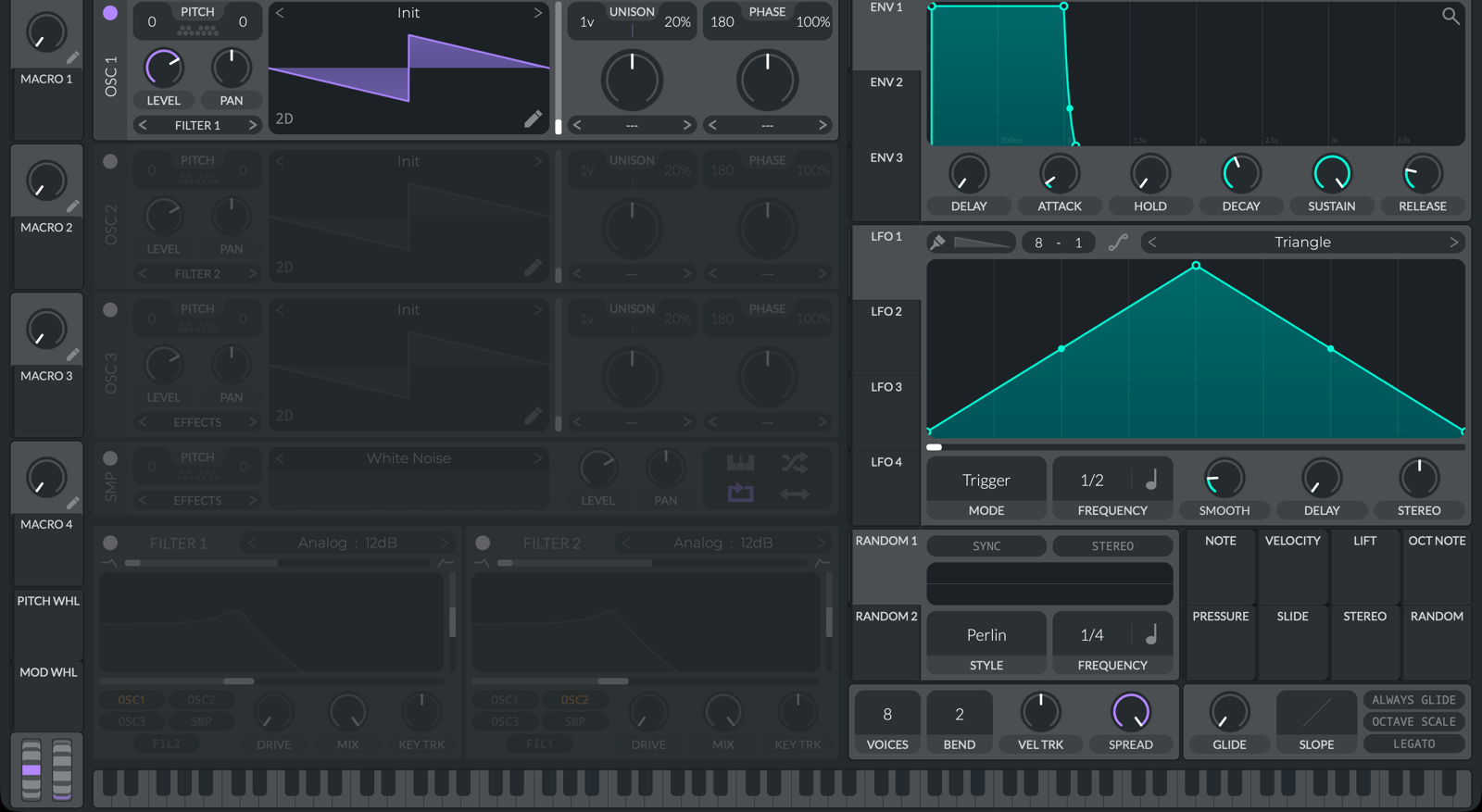
Audial Synth
A free, GPLv3 fork of the Vital wavetable synth with an added Resynth panel: drop any one-shot and get an editable Vital patch built from it, generated by Audial's hosted engine. The synth is free; its Resynth panel uses your Audial subscription, the same one as the web tool.
- Unzip the downloaded archive.
- Copy AudialSynth.vst3 to ~/Library/Audio/Plug-Ins/VST3
- Copy AudialSynth.component to ~/Library/Audio/Plug-Ins/Components
- Rescan plugins in your DAW.
- Unzip the downloaded archive.
- Copy the AudialSynth.vst3 folder to C:\Program Files\Common Files\VST3
- Run AudialSynth.exe from anywhere for the standalone app.
- Rescan plugins in your DAW.
Resynth needs a signed-in Audial account on a subscription. Everything else in the synth is free.
Licensed under GPLv3.
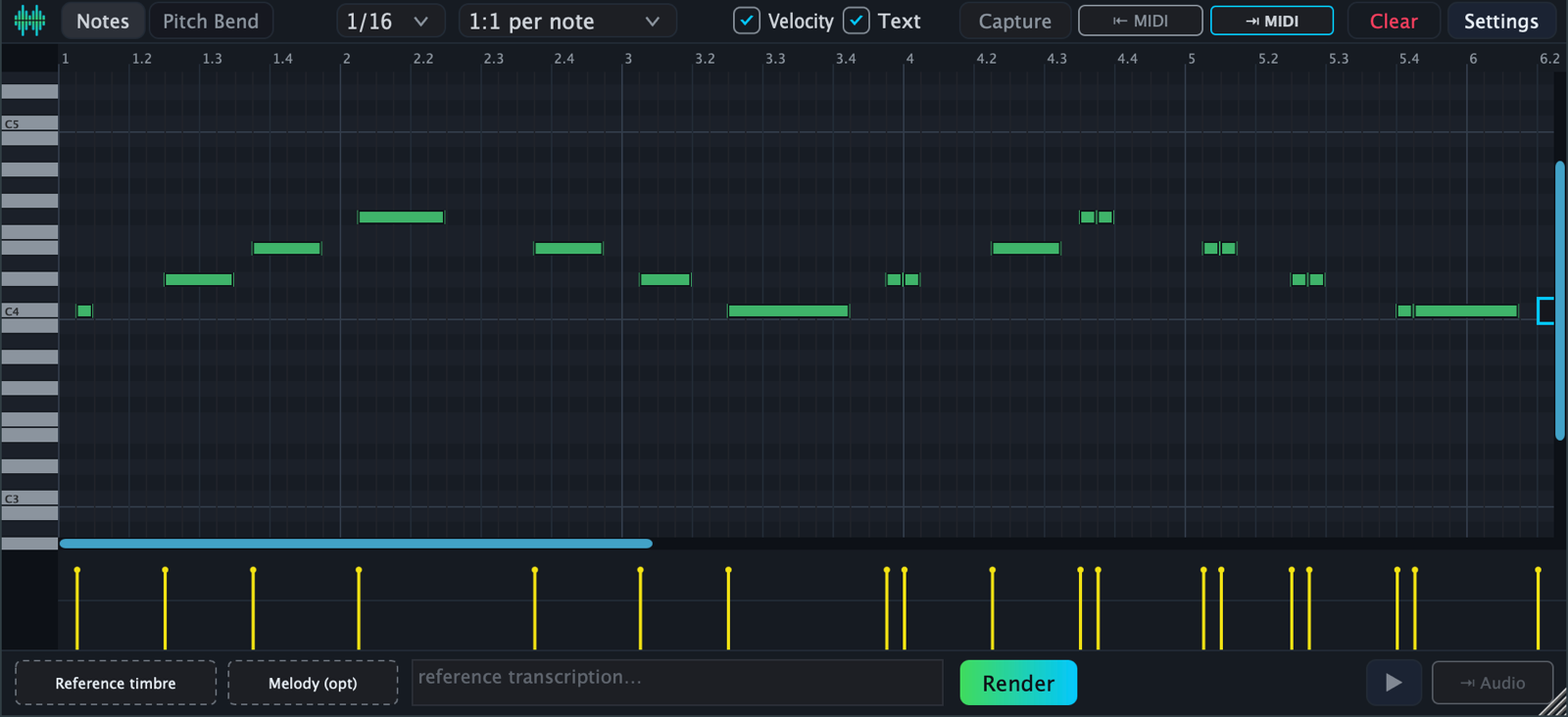
text2vox
Turn text and a reference vocal into a sung vocal track, with MIDI, rendered by Audial's hosted engine. The plugin is free; rendering uses your Audial subscription, the same one as the web tool.
- Unzip the downloaded archive.
- Copy text2vox.vst3 to ~/Library/Audio/Plug-Ins/VST3
- Rescan plugins in your DAW.
- Unzip the downloaded archive.
- Copy the text2vox.vst3 folder to C:\Program Files\Common Files\VST3
- Run text2vox.exe from anywhere for the standalone app.
- Rescan plugins in your DAW.
Rendering needs a signed-in Audial account on a subscription. The plugin itself is free.
Source is not publicly available.
Credentials
Both plugins call Audial's hosted engine for their generation step, so they need your Audial credentials: your User ID and API key, found on your account page.